

500 Gold Coins + 10,000 + 10 SC
No purchase necessary. Void where prohibited by law. Must be 21+ or older. Additional terms and conditions apply.
Last Updates: March 04, 2026
Payment Methods
- Visa
- Mastercard
- American Express/Discover
- ACH bank transfers
Redemption takes 3-5 day wait times.
Restricted States
California, Connecticut, Delaware, Idaho, Illinois, Indiana, Iowa, Louisiana, Maine, Michigan, Montana, Nevada, New Jersey, New York, Oklahoma, Tennessee, Washington, West Virginia
Company
CT-Tech North America LLC operates Zunado since 2025
Support
- Live chat (directly on the site)
- Email: support@zunado.com
- FAQ/help section on their website
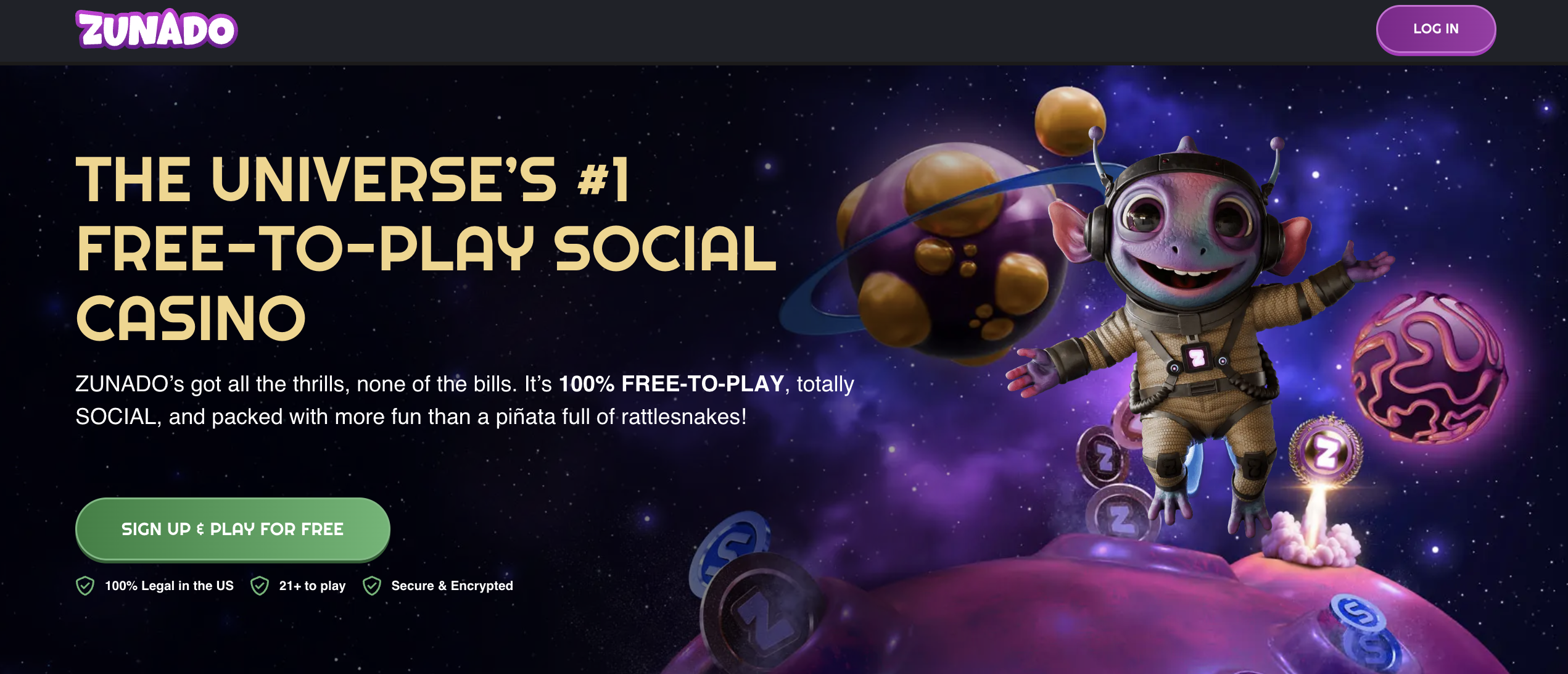
Zunado’s edge is the Galaxy Wheel. You start with 500 Gold Coins and an immediate Galaxy Wheel spin that can drop up to 10,000 GC + 10 SC. It’s a real, usable value on minute one with no purchase. If your priority is a head start you can feel right away, this “spin-first” kickoff is why you try Zunado.
|
Pros |
Cons |
|
100% free-to-play, no purchase needed |
No guaranteed SC on sign-up. |
|
Generous promotions with welcome wheel, daily free credits, cosmic missions, VIP drops |
You need to accumulate 100 SC ($100) before you can cash out. |
|
Daily and weekly Galactic Clash slot tournaments with cash prizes make play competitive and fun |
Only open in 35 states |
|
1,177+ games across slots, jackpots, live tables and more |
Zunado has no native iOS/Android app, only a browser-based interface. |
Table of Contents
- Bonuses
- Races, Tournaments, and VIP Program
- Social Mechanics
- Games
- Comparison Table
- Redemption
- User Experience and Mobile Compatibility
- Legality and Security
- Rating
Maximize Zunado Bonuses
500 Gold Coins + 10,000 + 10 SC
No purchase necessary. Void where prohibited by law. Must be 21+ or older. Additional terms and conditions apply.
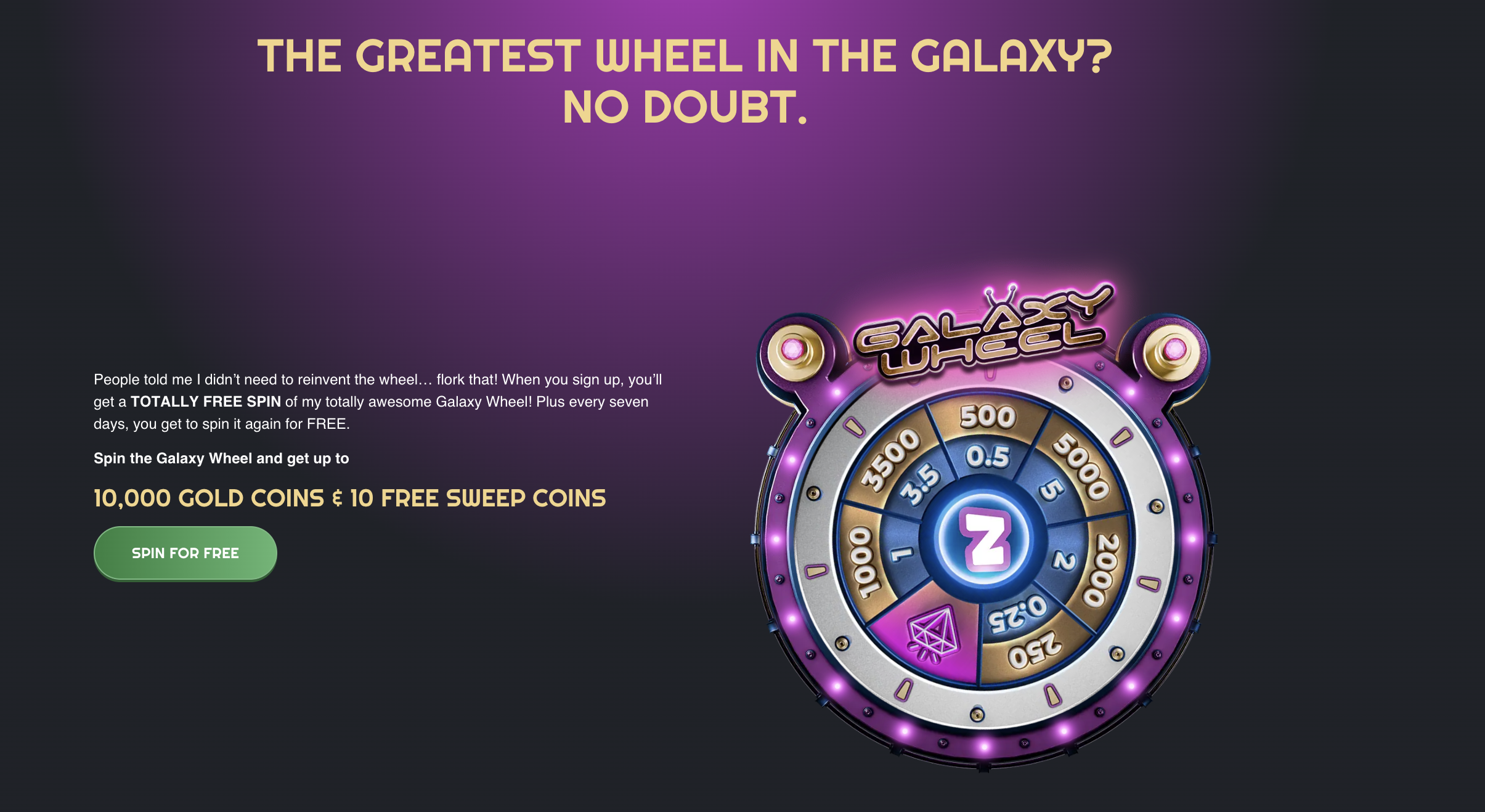
One standout bonus is Zunado’s welcome offer: every new account instantly gets 500 Gold Coins plus a Galaxy Wheel spin that can award up to 10,000 Gold Coins + 10 SC. While the maximum is high, in practice spins often give smaller amounts.
The first purchase bonus pays out a total of about 25,000 GC + 20 SC. For example, the Cosmic Missions and Galactic Clashes tournaments offer chances to win extra SC just by playing.
In practice, to redeem any prizes, you must first reach 100 SC (≈$100). Most bonuses have no specified expiration, but daily login must be collected in sequence (over 7 days), and tournament events run for a limited time.
Zunado Daily Galactic Clashes and Perk Ladder
Zunado leans hard into competitive play and steady progression. You’ll get daily, free-to-enter Galactic Clashes leaderboards to chase prizes, while a tiered Stellar Perks track unlocks ongoing goodies. It’s a “play every day, climb every week” loop that keeps value flowing without a purchase.
Zunado runs free-to-enter slot tournaments every day. You spin, climb the leaderboard, and collect rewards—no purchase needed. The promo block on the homepage calls these FREE-TO-PLAY tournaments, making them the easiest way to earn extra coins while you test new titles.
As you play, you level up and unlock a perk stack that goes beyond basic bonuses. Zunado lists:
- Daily Star Reward Boost
- Rank-Up Reward
- Weekly Zunado Drop
- Happy Birthday Beam-In
- Classified Slots
- Zunado Elite Clashes
- Dedicated Star Rep
In short, more play = more permanent quality-of-life boosts and access to exclusive tournaments.
Zunado Referral & Social Features
Zunado is somewhat active on social media, with official pages on X (Twitter), Facebook, Instagram, TikTok, and Reddit. However, as of late 2025, the brand has yet to run major social promotions or giveaways.
There is no known Telegram or Discord community. The site’s main social engagement is built into the game experience via tournaments and leaderboards.
One social perk is the referral program. Inviting friends can earn very large bonuses of up to 100,000 GC + 100 SC per referred friend at high VIP tiers. Otherwise, the platform does not currently offer unique bonuses for following specific social channels or using special payment methods.
All players see the same promotions regardless of how they pay. Payment-wise, no special crypto or alternative-payment bonuses are offered.
What to Play on Zunado
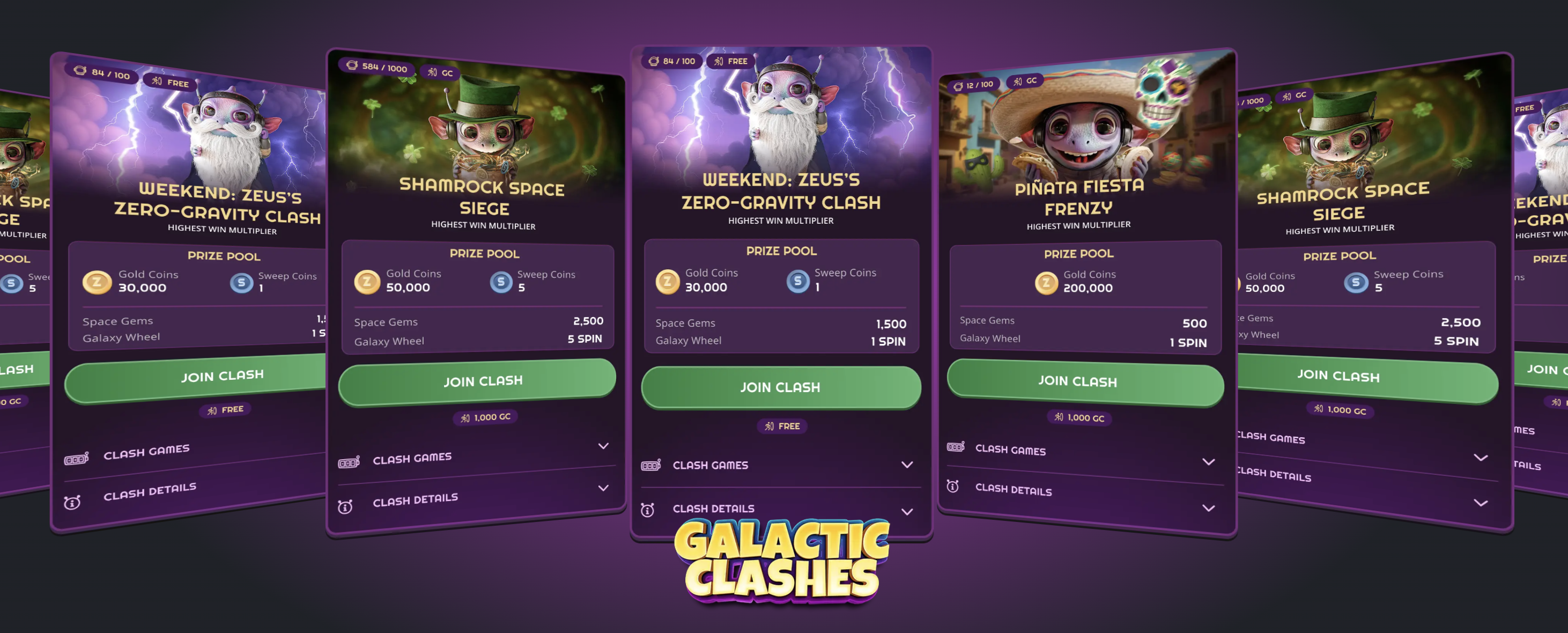
Zunado’s lobby is game-rich. The platform currently features about 1,177 games, roughly 920+ slots, 170+ fixed jackpots, 3 basic table games, plus crash and scratch-card games.
Most of the library is slots (curated into themed collections), but there are also live dealer offerings via Vivo Gaming and Live88 (e.g. two live roulette tables).
In all, there are over 20 software providers on deck such as BGaming, Hacksaw Gaming, Microgaming, Playson, AvatarUX, 3 Oaks, Rogue, Kalamba, and Booming, so the variety is strong.
Popular games at Zunado
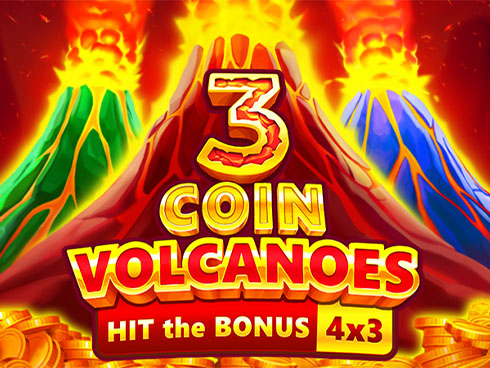
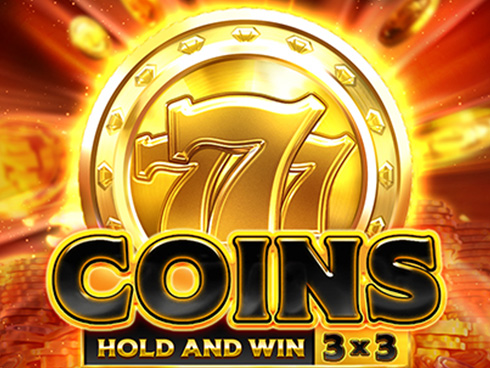
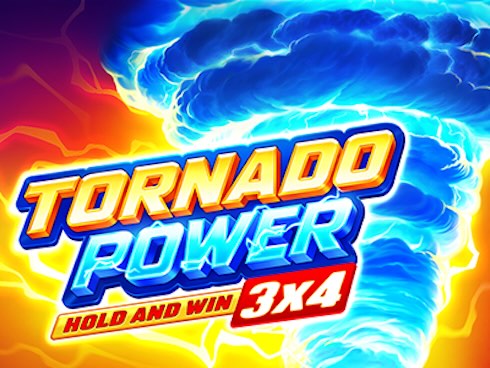

As a social casino, Zunado allows any player to try games without real money. You create an account and spend free Gold Coins on the slots of your choice.
There are no demo modes per se, but the Gold Coin system lets you play hundreds of slots “for free”. This is standard for sweepstakes casinos. Gold Coins are just for entertainment, while SC you win can become prizes.
Zunado has no sportsbook component. It focuses solely on casino-style games like slots, tables, crash, and others.
ZUNADO vs Other Sweepstakes Casinos (Comparison Table)
| Feature | ZUNADO | WOW Vegas | McLuck | LoneStar |
|---|---|---|---|---|
| Welcome Offer (no-purchase) | 500 GC + 1 Galaxy Wheel spin (wheel can pay up to 10,000 GC + 10 SC) | 250,000 WOW Coins + 5 SC | 7,500 GC + 2.5 SC (often tracked via promo code in guides) | 2.5 SC + 100,000 GC |
| No-Deposit Bonus | Yes (signup + wheel spin; no purchase needed) | Yes | Yes (no-purchase welcome) | Yes |
| First Purchase Deals | “Galaxy Treasures” first-purchase bundles like 30–75 FREE SC shown on the homepage (prices vary) | First-purchase stacks vary by promo cycle | Has first-purchase promos in addition to the no-purchase welcome (varies by promo) | First-purchase tiers are commonly advertised in bonus roundups |
| Playthrough on bonus SC | 1× playthrough on bonus SC is described in current FAQ-style coverage | Varies by promo, often listed as 1× in guides | Commonly listed as 1× in current guides | Varies by promo (commonly 1× in many sweepstakes models) |
| Game Catalog | 1,300 “hand-picked games” (slots, scratchcards, crash games, live social casino) | Large slot-led lobby (exact count varies by source) | 1,000+ games commonly cited in current coverage | 500+ games commonly cited in roundup-style coverage |
| Table / Live | “Live Social Casino” is promoted on the homepage | Some live titles are promoted in guides | Live dealer is promoted in major review coverage | Usually positioned as slots + RNG tables |
| Redemption Methods | Terms state prizes can be redeemed for gift cards (sent to email) or cash (to original payment method, or to a bank account if needed) | Depends on method/provider (varies by state/verification) | Gift cards + cash options commonly listed in guides (method varies) | Commonly listed as gift cards + cash options |
| Minimum Redemption | Not clearly published in the public pages I could access, you typically confirm inside the Redeem flow | Often listed around 100 SC in current guides | Commonly listed as 75 SC cash / 10 SC gift cards in guides | Varies by promo/method in coverage |
| Restricted States (count) | 9 restricted: Connecticut, Delaware, Hawaii, Idaho, Louisiana, Michigan, Montana, Nevada, Washington | Restricted list varies by source; one current guide lists multiple excluded states | Restricted count varies by source; major guides provide lists/“show states” | Varies by source/terms; roundups usually summarize availability |
| VIP / Tournaments | Daily “Galactic Clashes” tournaments are promoted + “Stellar Perks” (rank-up rewards, weekly drops, dedicated rep) | Promo-heavy model | VIP program is commonly described as tiered in guides | Often promoted as a steady sweeps casino with recurring promos |
Zunado Redemptions Explained
Redeeming your winnings at Zunado is straightforward but has rules. You must reach 100 SC (=$100) before you can cash out.
Once you hit that threshold, you go through identity verification (KYC) before requesting a payout. Withdrawals are processed through standard methods (credit card or bank transfer) and are generally fast once approved.
Below is a quick summary:
-
Earn SC: Play any game (even on free spins in tournaments) to accumulate Sweeps Coins.
-
100 SC Minimum: You cannot withdraw until you have at least 100 SC in your account.Verify Account: Before cashing out, Zunado will check your age and ID.
-
Request Payout: Once approved, choose a withdrawal method (Visa/MC or bank). The minimum cashout is $100 ; Florida players have an additional $5,000 daily cap.
Zunado uses the standard dual-currency system. Gold Coins are free-play credits (no wagering, cannot be redeemed). Sweepstakes Coins are earned and 1 SC = $1.
Purchase Options and Tokens
Players fund their accounts with Gold Coins, which come packaged with SC, via common payment methods. Available options include:
-
Visa/Mastercard/American Express/Discover: All four major card types are accepted for purchases and are supported for withdrawals.
-
ACH (eCheck): Electronic check payments are accepted (purchase only).
-
Bank Transfer: Direct wire bank transfers (withdraw only).
-
Limits: Minimum purchase is $3.99 and maximum single purchase is $499.99. (Some states may impose extra limits.) The minimum redemption is $100.
Zunado does not accept cryptocurrency or third-party wallets for sweepstakes purchases. When you buy Gold Coins, you automatically receive bundled SC. These purchased SC must still meet the same 100-SC rule to cash out.
Zunado Mobile Experience
Like Epic Sweep and The Winzone, Zunado has no standalone mobile app, but the website is mobile-friendly. On smartphones and tablets, the “instant-play” site functions like an app. It loads quickly, games scale properly, and there’s a convenient bottom menu for navigation.

2,500 GC + 2.5 SC + 175% Bonus
No purchase necessary. Void where prohibited by law. Must be 21 or older. Additional terms and conditions apply.
In fact, reviewers found no lag or glitches on mobile; loading speeds and gameplay are smooth on both phones and desktop. You can even bookmark the site and add it to your home screen for one-tap access.
Is Zunado Legal in the US?
Zunado is operated by CT-Tech North America LLC, a Nevada-incorporated company and a known operator in the sweepstakes industry. It markets itself as “100% Legal in the US” and is indeed available in the majority of states, like Arizona. As with all sweepstakes casinos, a few states do not permit play.
Security-wise, Zunado uses industry-standard protections: the site is SSL/TLS encrypted, and all games come from RNG-certified providers. User data and passwords are protected in transit.
The Terms & Conditions impose no suspicious clauses – free bonuses carry only a 1× playthrough of any SC awarded. Age and residency checks are enforced (21+ and no VPN) to prevent underage or out-of-state play.
Responsible Gaming
Zunado provides a robust suite of RG tools. Once logged in, players can set daily/weekly/monthly spending limits on Gold Coin purchases and even impose session timeouts or self-exclusion.
The site also features activity reminders (to prompt breaks) and links directly to several support organizations for help. These measures earned high marks in security reviews.
Zunado Casino Verdict and Scorecard
Below is my structured evaluation using our standardized rating framework.
|
Rating Factor |
Description |
Score |
|
Bonuses and promotions |
Variety and value of welcome offers, ongoing promotions, and wagering requirements |
4/5 |
|
Ease and speed of redemptions |
How fast and easy it is to convert SC into cash (thresholds, processing) |
2/5 |
|
Game quality and variety |
Number and quality of games; diversity of providers |
4/5 |
|
Social gaming and bonus features |
Availability of social features (tournaments, leaderboards, VIP perks) |
3/5 |
|
Safety and security |
Data protection, fair-play (RNG), KYC, responsible gaming tools |
4/5 |
Mean rating:4.7/5
500 Gold Coins + 10,000 + 10 SC
Stakester Newsletter
Be the first to find out when a sweepstakes casino launches and receive exclusive offers directly in your mailbox.